
AR & Smart Glasses: What to Know Before You Buy in 2026
Smart glasses have quietly become genuinely useful — capable cameras, open-ear audio and on-demand AI assistants in a frame that looks like ordinary eyewear. But the category spans everything from audio-first sunglasses to full heads-up displays. Here is how to work out which type fits how you actually plan to use them.
Decide what the glasses are for
The category splits into three broad types. Audio-and-camera glasses focus on hands-free capture, calls and a voice assistant with no visible display. Heads-up-display glasses add a small screen for notifications, navigation or translation. Enterprise AR headsets project rich 3D overlays for tasks like remote assistance and guided assembly.
Be honest about your primary use. If you mostly want to capture point-of-view video and take calls, an audio-and-camera pair is lighter, cheaper and more socially acceptable than a display headset you will rarely use to its full potential.
Camera, audio and the assistant
For capture, look at photo and video resolution, stabilisation and how quickly you can start recording. Open-ear speaker quality and microphone array matter just as much for calls and for talking to the built-in assistant in noisy environments.
The on-board AI assistant is increasingly the differentiator — hands-free questions, live translation and “look and ask” visual queries. Check which assistant a pair uses and whether the features you want work offline or require a phone connection.
Comfort, battery and privacy
You will only wear glasses that are comfortable, so weight, fit and the availability of prescription lenses are decisive. All-day wear also depends on real battery life plus how much a charging case extends it.
Because these devices carry cameras and microphones, privacy features matter both for you and for the people around you. A visible capture indicator light and clear controls over what is stored and uploaded are the baseline to look for.
What to prioritise
- Match the type (audio+camera vs heads-up display) to your real use case
- Photo/video resolution and stabilisation if capture matters
- Open-ear audio quality and a capable microphone array
- The AI assistant and whether key features need a phone
- Comfortable weight, good fit and prescription-lens support
- A visible capture indicator and clear privacy controls
AR & Smart Glasses we recommend
Hand-picked from our catalog. Prices are estimates — tap through for current pricing and availability.
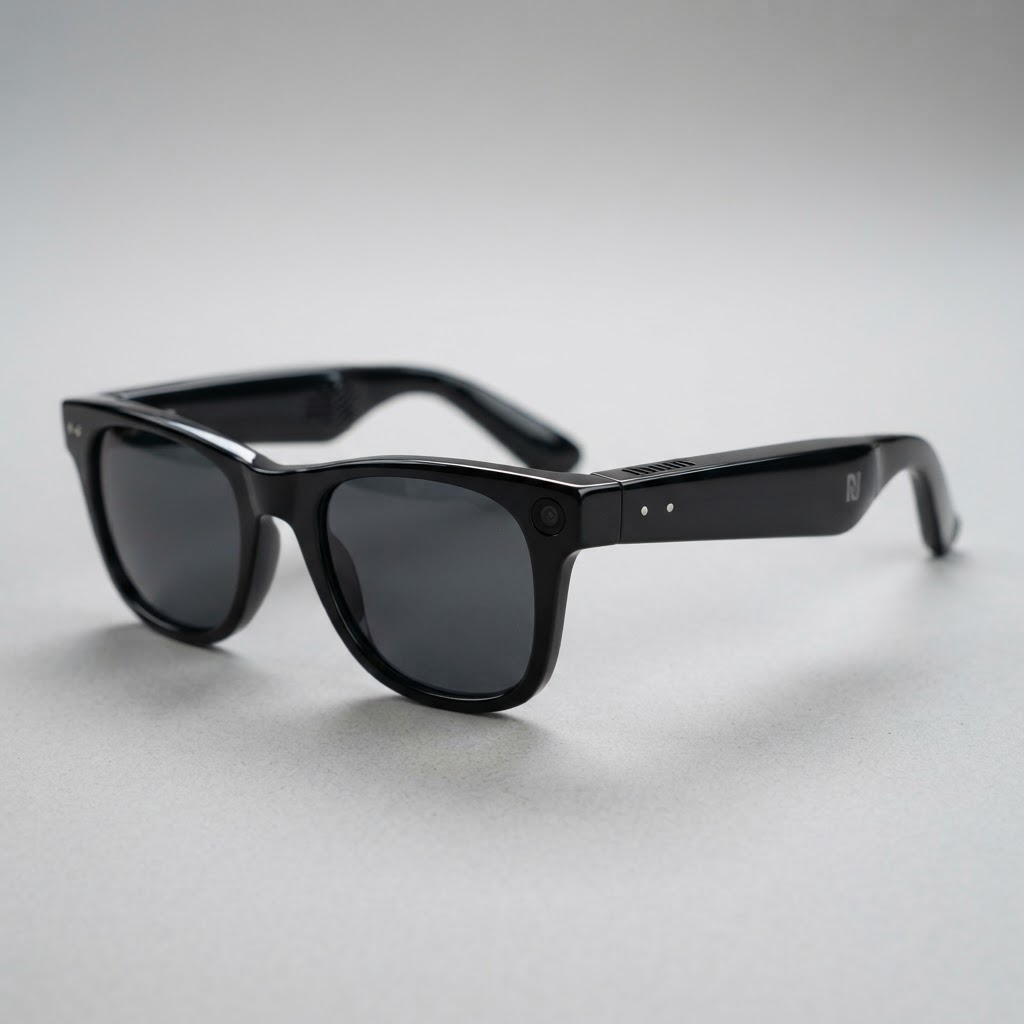 AR & Smart GlassesIn stock
Ray-Ban Meta
Gen 2
Ray-Ban Meta (Gen 2)
AI camera-and-audio glasses for everyday wear
From
$379
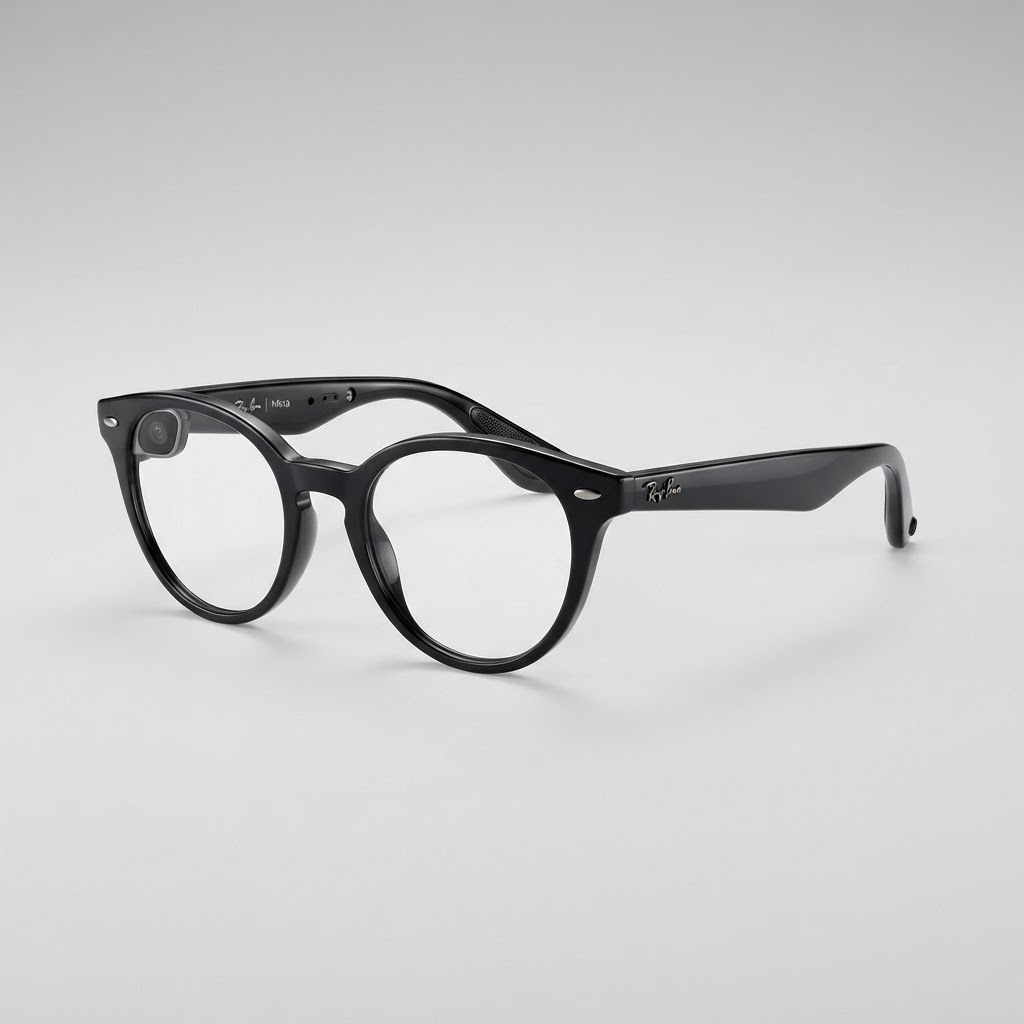 AR & Smart GlassesIn stock
Ray-Ban Meta
Skyler
Ray-Ban Meta Skyler
Compact cat-eye AI camera-and-audio glasses
From
$379
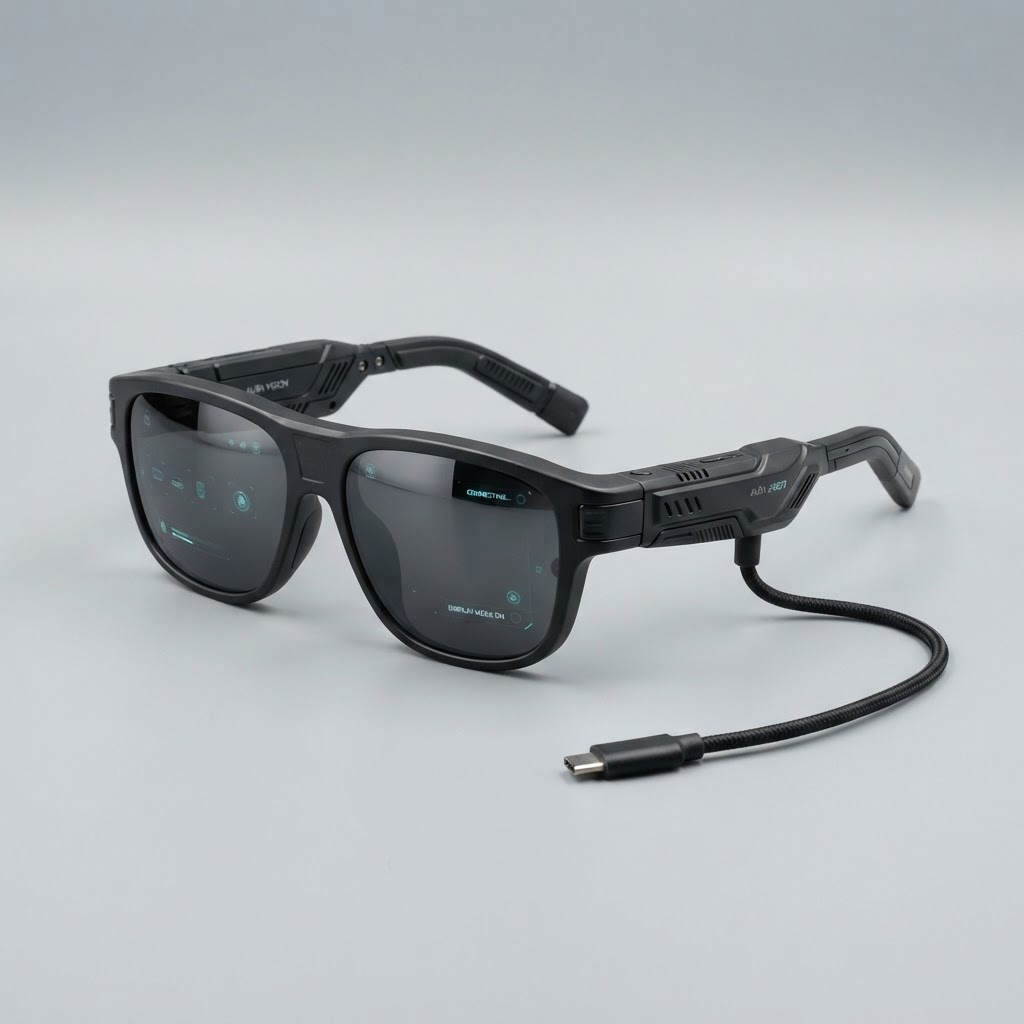 AR & Smart GlassesIn stock
XREAL
One Pro
XREAL One Pro
Wide-FOV display glasses for media and work
From
$599
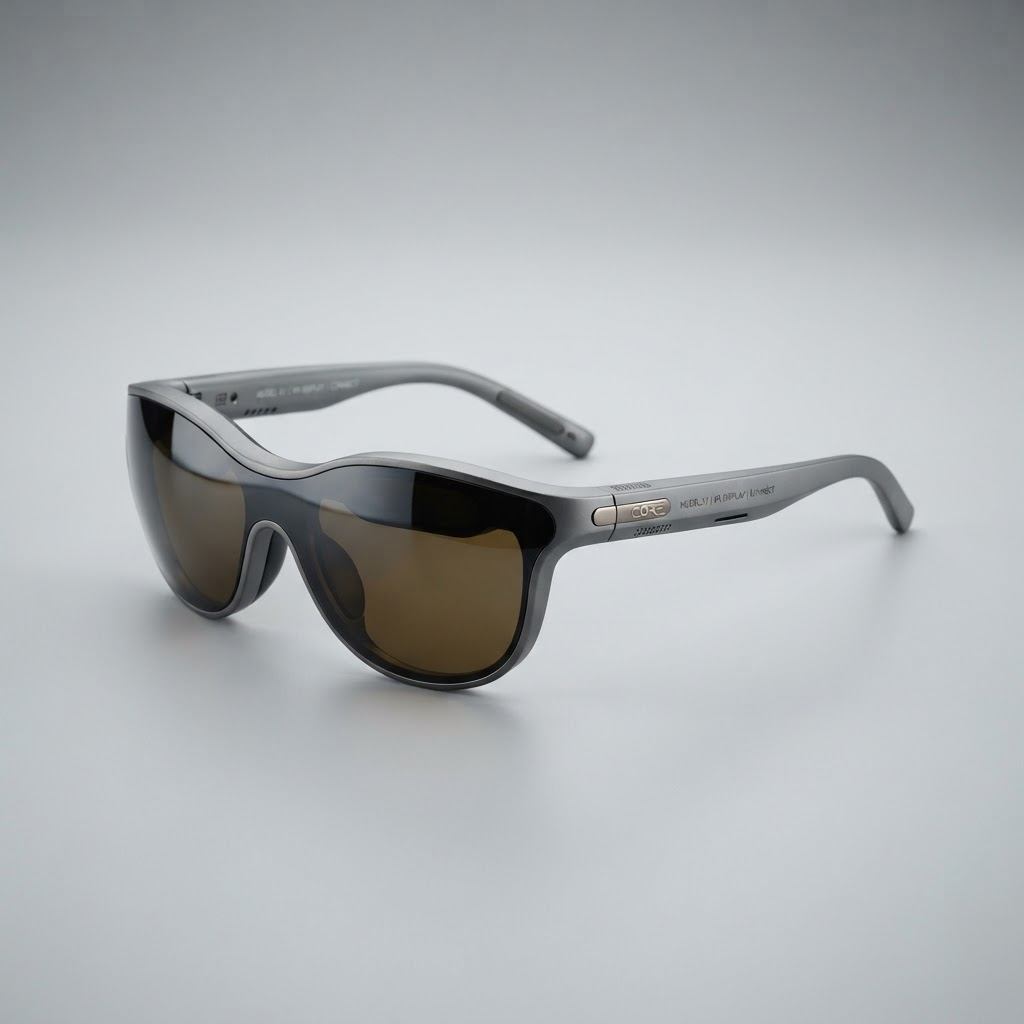 AR & Smart GlassesIn stock
VITURE
Pro XR
VITURE Pro XR
Display glasses with built-in myopia adjust
From
$499
Frequently asked questions
Do smart glasses have a screen you look at?
Only some do. Audio-and-camera glasses have no display — they focus on capture, calls and a voice assistant. Heads-up-display models add a small screen for notifications or navigation, and enterprise AR headsets project full 3D overlays. Choose based on whether you truly need a visible display.
Can I get smart glasses with prescription lenses?
Most mainstream smart glasses support prescription lenses, either from the manufacturer or through an optician. If you wear glasses daily, prescription support should be a hard requirement on your shortlist.
How long do smart glasses last on a charge?
It varies widely by type and use. Audio and occasional capture stretch battery life across most of a day, while continuous video recording drains it quickly. A charging case that adds several full recharges is the practical way most people get all-day use.
Not sure which model fits your needs?
Tell us your use case and our team will point you to the right machine — independent advice, no sales pressure.